

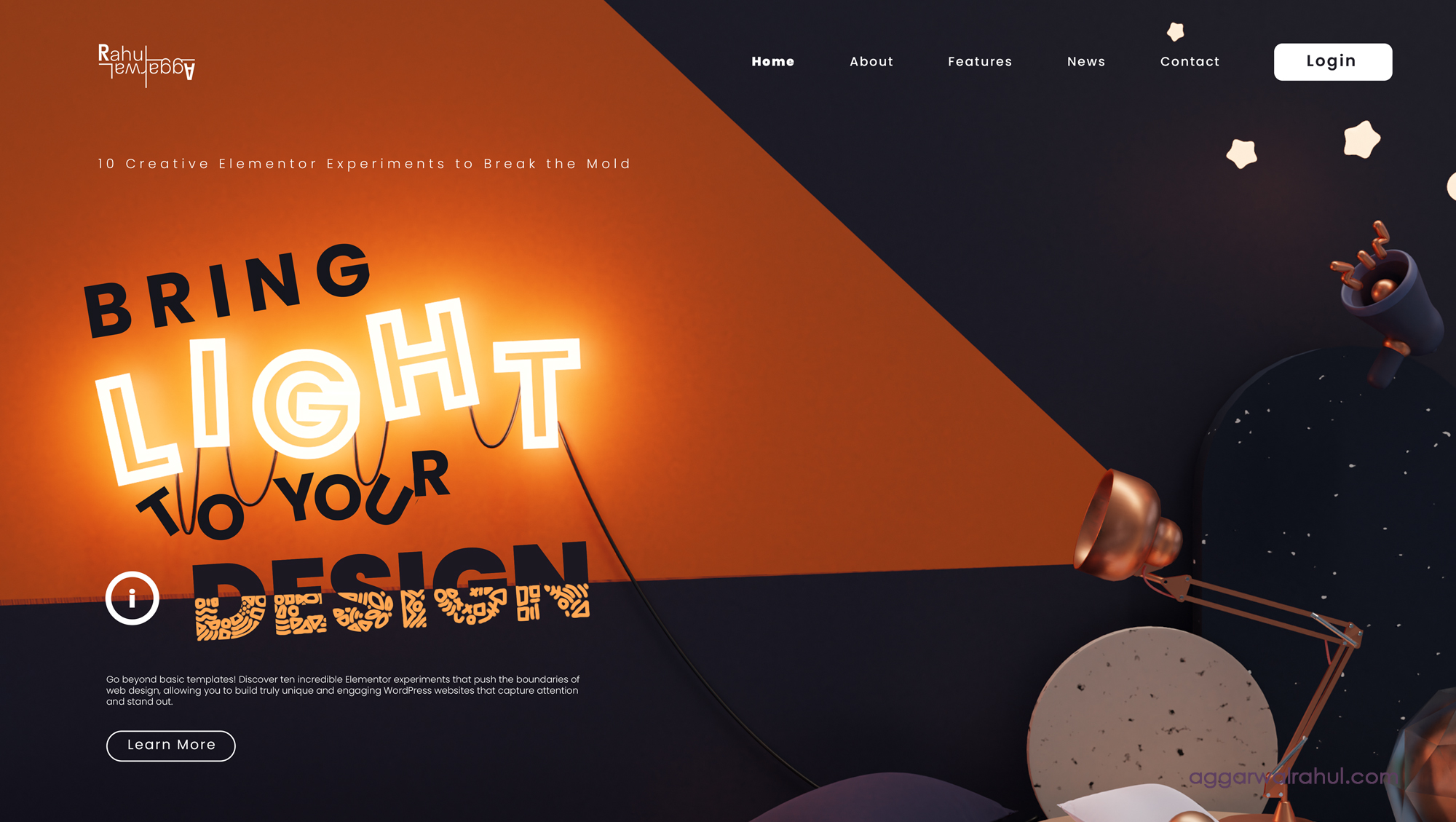
In the world of web design, tools like Elementor have revolutionized how we build sites, making professional design accessible to everyone. However, with this accessibility comes a potential trap: the “template” look. Many websites start to look the same, built from the same pre-made blocks and sections. But what if you could push beyond the drag-and-drop simplicity? What if you could transform Elementor from a template builder into a genuine tool for web design creativity?
This guide is for those who want to do just that. We’ll explore ten creative Elementor experiments that demonstrate how to break the mold and introduce truly innovative design elements into your WordPress sites. From subtle hover effects to complex motion graphics, these ideas will show you how to use Elementor’s powerful features—both native and through creative workarounds—to build a website that is as unique as your brand.
- The Vertical Parallax Story
Parallax scrolling is a timeless effect, but it’s often used in a basic way, with a single background image moving at a different speed. The true magic happens when you use multiple layers to tell a visual story as the user scrolls.
You can create a compelling narrative by stacking three to four layers: a foreground object (like a character or product), a mid-ground, and a background. By giving each layer a different vertical scrolling speed in Elementor’s Motion Effects tab, you can create a pseudo-3D effect. The foreground element moves the fastest, the mid-ground moves slower, and the background moves the slowest, creating a sense of depth and immersion. This is an excellent way to guide a user through a service’s features or a company’s history.
- Layered Parallax with Z-Index Magic
Taking the previous experiment one step further, you can use the Z-Index property to create an even more dynamic and surprising layered parallax effect. This experiment involves strategically placing elements with different Z-Index values so that they overlap and interact as the user scrolls.
Imagine a heading that starts behind a large image and then scrolls to the front, or a series of text boxes that appear from behind an anchor image. By placing your scrolling content on a lower Z-Index and a static or slower-moving image on a higher Z-Index, you can make content appear and disappear in a visually stunning way. This requires careful use of Advanced > Custom Positioning and Z-Index in Elementor to control the precise order of your elements.
- The CSS Transform Skew on Scroll
This experiment uses a simple but powerful CSS trick combined with Elementor’s motion effects. Instead of just moving elements up and down, you can make them skew or tilt as the user scrolls. This gives your website a modern, slightly disorienting, and highly artistic feel.
To achieve this, you can target a specific Elementor section or widget with custom CSS. Using the transform: skewY() property and tying it to the scroll position via JavaScript or a third-party plugin that integrates with Elementor, you can create an effect where sections of your website seem to bend and twist as the user moves down the page. This is a bold design choice that works particularly well for creative portfolios or brands that want to convey a non-traditional aesthetic.
- The Custom Animated Cursor
The default browser cursor is a simple arrow. One of the most effective Elementor experiments you can perform to make a site feel custom and premium is to replace that cursor with a custom one.
This can be a pulsing dot, a subtle ring that grows on hover, or an image that follows the user’s mouse. This is typically done by adding a small piece of JavaScript and CSS to your Elementor theme or via a dedicated plugin. The custom cursor adds an immediate sense of polish and interactivity, making every single interaction on your site feel deliberate. Paired with our last blog post on 10 Amazing Micro-Interactions for WordPress, this effect can truly enhance the user experience.
- Split-Screen Hover Effects
Breaking the traditional grid layout is a key part of pushing design boundaries. A split-screen hover effect is a fantastic way to do this. This experiment involves dividing a section into two columns. When a user hovers over one column, the other column animates or changes.
For example, you could have an image on the left and a text box on the right. When the user hovers over the image, the text on the right changes to display new information. This effect is great for showcasing portfolios, team members, or product features, allowing you to present a lot of information in a visually clean and interactive manner. This can be achieved using Elementor’s Motion Effects and CSS ID/Class fields, combined with some simple custom CSS.
- The Asymmetric Grid Layout
Most websites are built on a symmetrical grid. This is safe and readable, but it can also be a bit boring. An asymmetric grid layout can give your website an immediate sense of artistic freedom and modernity.
Instead of perfectly aligned columns, you can use Elementor’s Column and Inner Section widgets, along with Custom Positioning and Negative Margins, to create a visually interesting layout. You can have images that break out of their containers, text boxes that overlap, and sections that are not perfectly aligned. This requires a strong eye for design but can result in a unique and memorable visual identity.
- Overlapping Elements with Negative Margins
This experiment is a core technique for creating designs that go beyond the standard box model. By using negative margins in Elementor, you can make elements overlap, creating a sense of depth and complexity.
You can have a heading that sits partially over an image in the section above it, or a button that is placed perfectly in the center of two overlapping background images. This technique allows for beautiful, fluid transitions between sections and makes the entire page feel more cohesive. It requires a bit of trial and error but the results are always worth it.
- Dynamic Content from Custom Fields
For a truly powerful and scalable experiment, you can use Elementor’s dynamic tags to pull content from custom fields. This is perfect for building a portfolio, a directory, or an events calendar where the content is managed from the WordPress backend.
With the help of plugins like Advanced Custom Fields (ACF) or JetEngine, you can create custom fields for images, text, and links. Elementor Pro’s dynamic tags can then be used to display this content in a beautiful, consistent design on the front end. This means you can create a single template for all your projects and simply add new projects by filling out the custom fields in the backend. It’s a game-changer for content management and design scalability.
- Animated SVG Illustrations
SVG (Scalable Vector Graphics) is a fantastic format for website design because it is lightweight, infinitely scalable, and can be animated with CSS. Elementor’s SVG widget makes it easy to use these illustrations, and with a little custom CSS, you can bring them to life.
You can find or create an SVG illustration and add it to your Elementor page. Then, in the widget’s Advanced tab, you can add custom CSS to animate specific parts of the SVG, such as a subtle stroke-dashoffset animation that makes the graphic appear to draw itself. This is an incredible way to add a premium, hand-crafted feel to your website’s hero section. For more inspiration, you can check out some fantastic examples of creative web design on sites like Awwwards.com.
- The Glitch Text Effect
For a truly bold and modern design, consider implementing a glitch text effect on a heading or a key piece of information. This effect gives the text a digital, slightly corrupted, and highly energetic feel. It’s perfect for tech companies, music artists, or brands that want to convey a futuristic vibe.
The glitch effect is typically created using a combination of CSS ::before and ::after pseudo-elements and keyframes animations. You can add a Heading widget in Elementor, give it a custom CSS class, and then use the Custom CSS field to apply the glitch animation. The effect should be subtle and short-lived to avoid distracting the user. It is best used on a single, impactful word or phrase to create a memorable “wow” moment.
Conclusion
Elementor is so much more than a simple drag-and-drop page builder. It is a powerful tool for true web design creativity. By moving beyond standard templates and embracing these kinds of experiments, you can build a website that not only functions beautifully but also captivates your audience and leaves a lasting impression. Each of these techniques—from subtle parallax to bold visual effects—is an opportunity to tell your brand’s story in a new, exciting way.
Don’t be afraid to break the mold. The most memorable websites are the ones that dare to be different. Start with one of these Elementor experiments and see how it can transform your online presence.
Let’s Create Something Amazing Together
Ready to push the boundaries of your website’s design but need a professional hand to guide the process? I specialize in building unique, high-performance, and conversion-focused websites using Elementor.
Let’s collaborate on your next project and build a website that is a true work of art. Book an Appointment Now!